24 hours
7.00 GBP
License key + NoName Loader access
View product Review details, then add to cartA better way to browse. Learn more.
A full-screen app on your home screen with push notifications, badges and more.
Choose how long you want access. Your license key and shared loader are kept together in your purchase account.
License key + NoName Loader access
View product Review details, then add to cartLicense key + NoName Loader access
View product Review details, then add to cartLicense key + NoName Loader access
View product Review details, then add to cartSelect a game and duration, review the product, then add it to your cart.
Pay by card or crypto. Crypto orders wait for network confirmation.
Open My purchases for your license key, shared loader, and setup instructions.
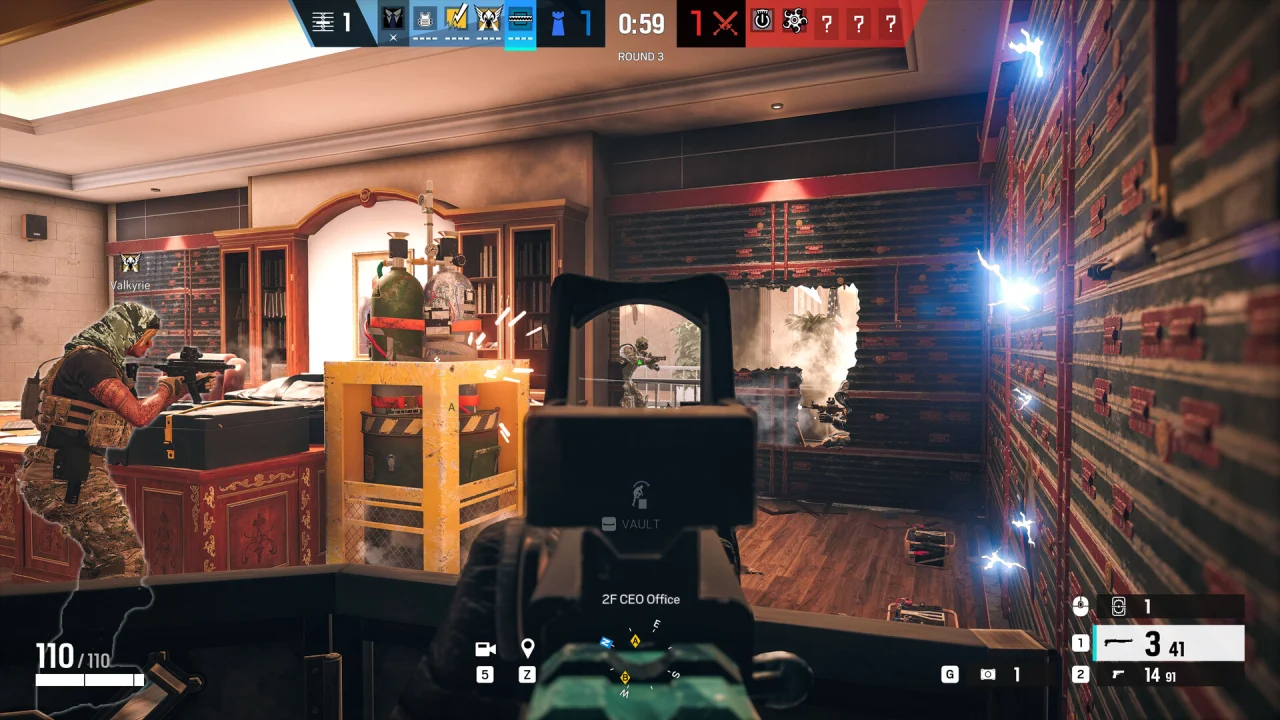
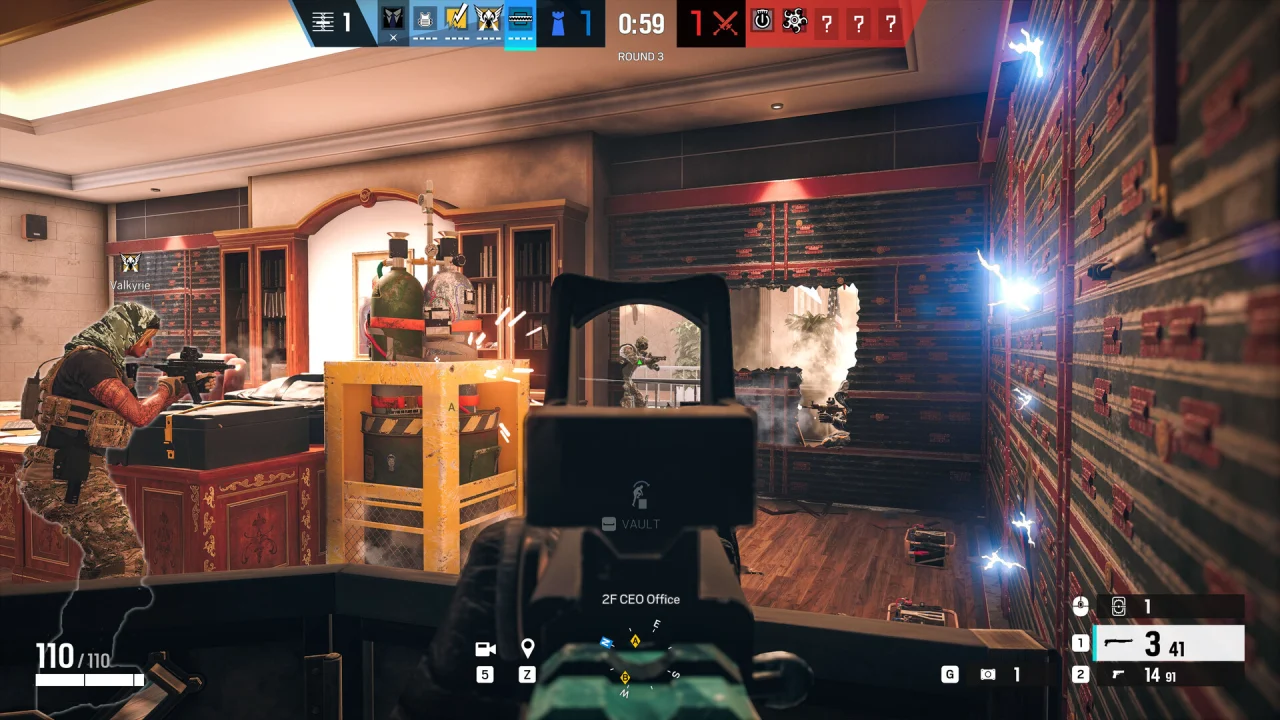
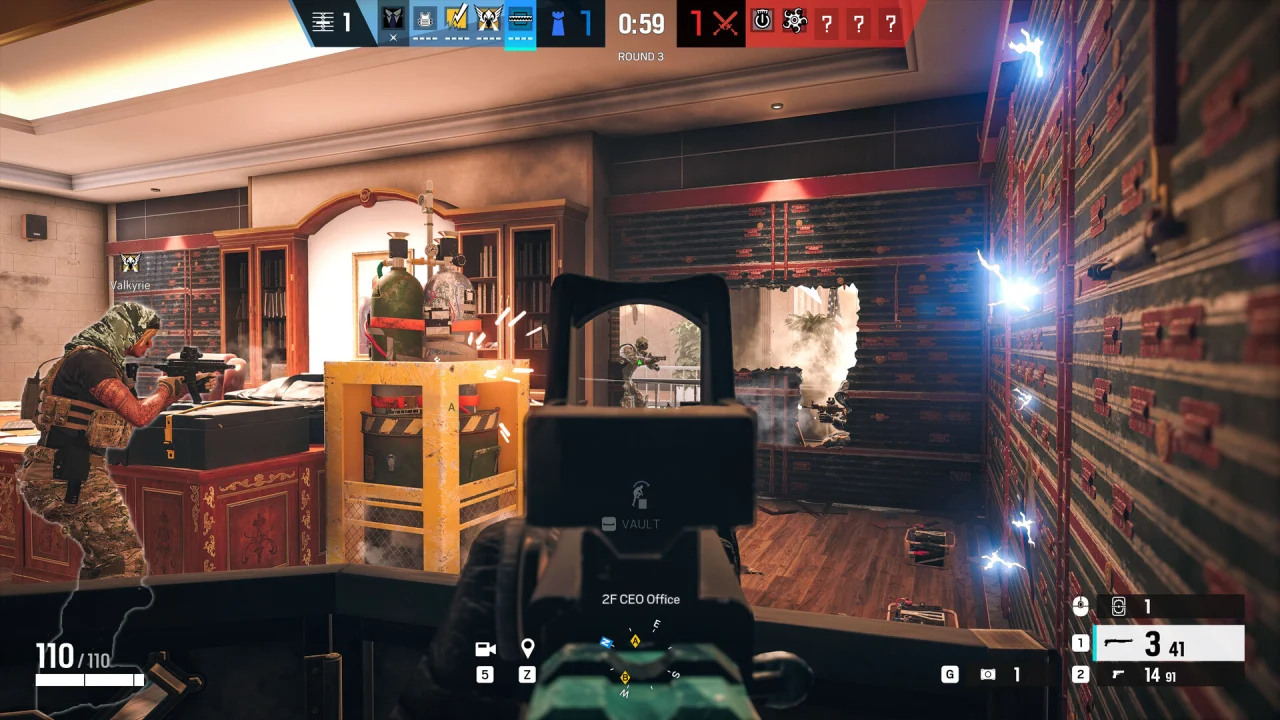
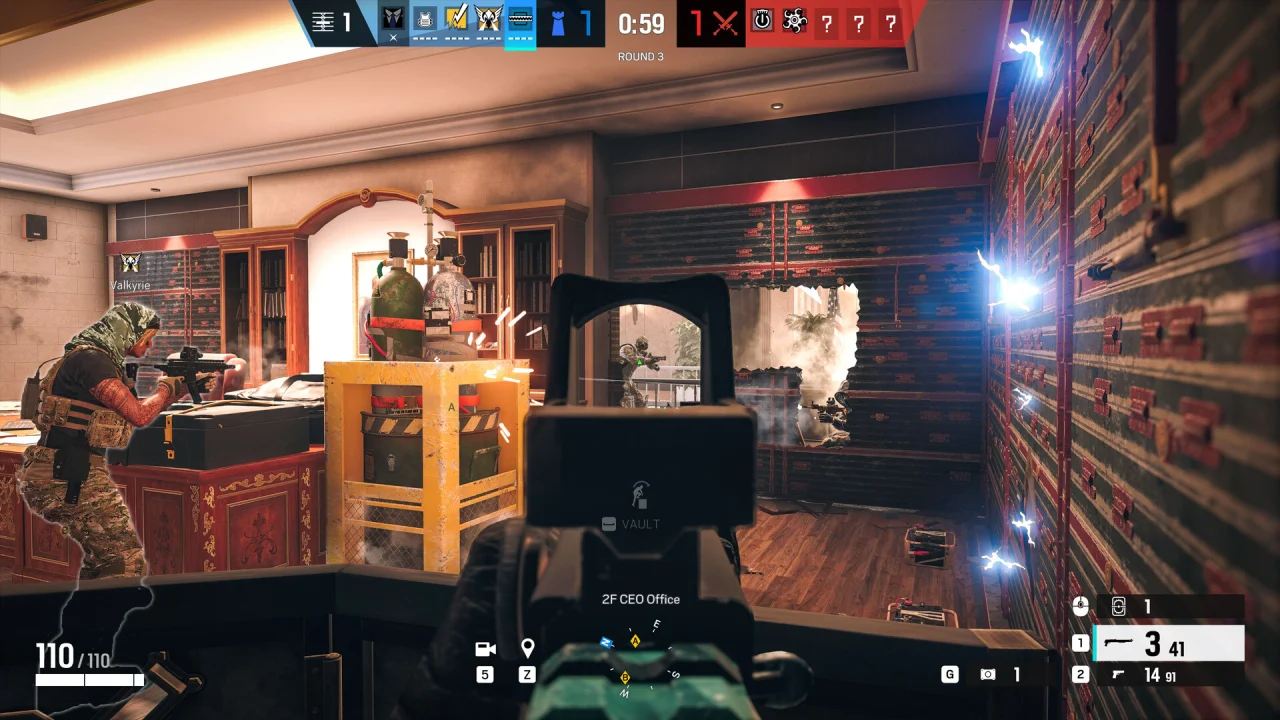
Choose a NoName R6 license for Rainbow Six Siege. Plans are available for 24 hours, 7 days, or 31 days, with no automatic renewal.
Your license starts at first activation and then runs continuously for the selected period. Buying the license or downloading the loader does not start the access period.
After payment is confirmed, open My purchases to find your license key and the shared NoName Loader. Your key remains visible in your purchase details.
Review the current product information and system requirements before buying. Contact NoName support with your order number if confirmed payment does not produce a key.